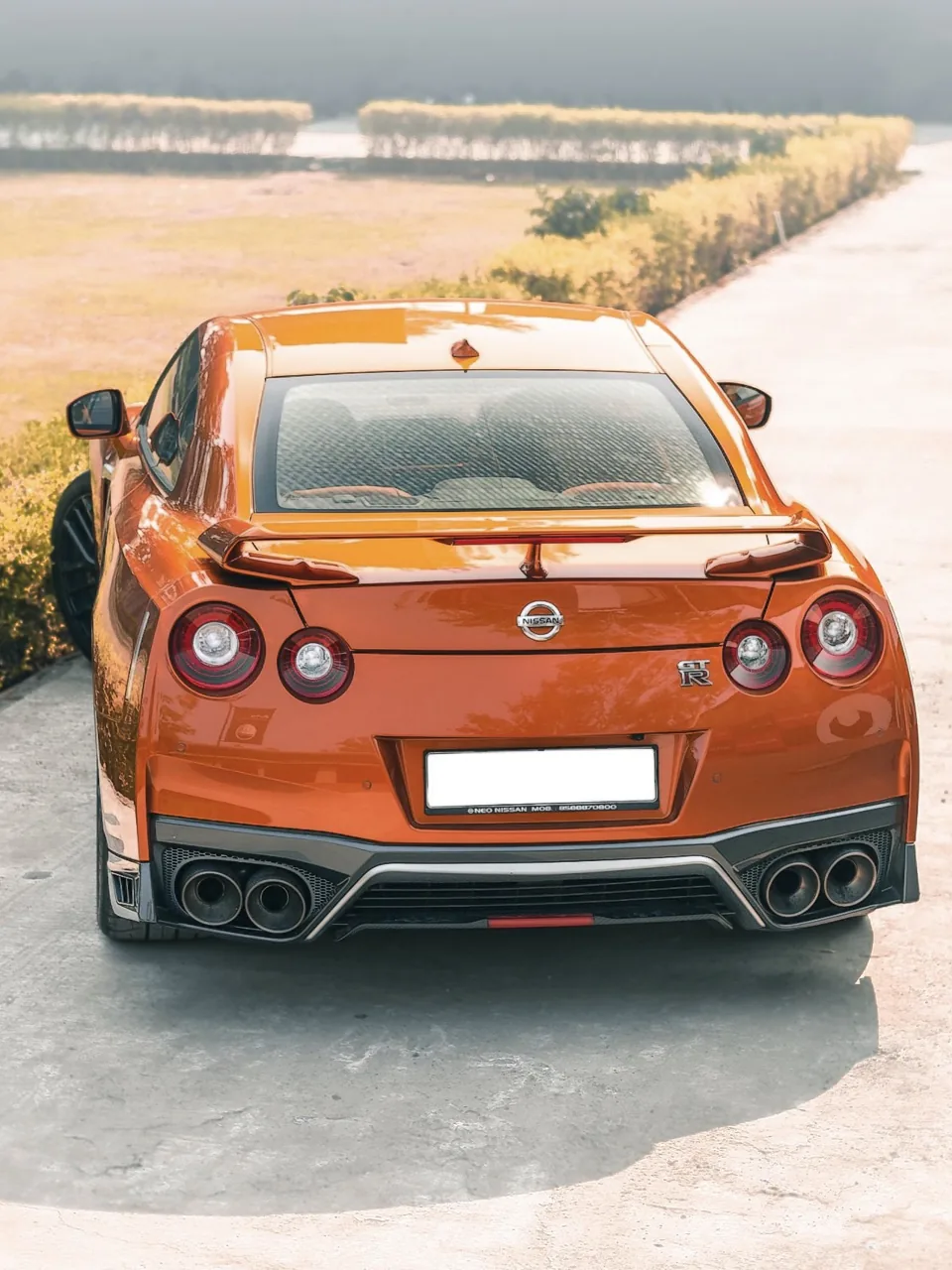
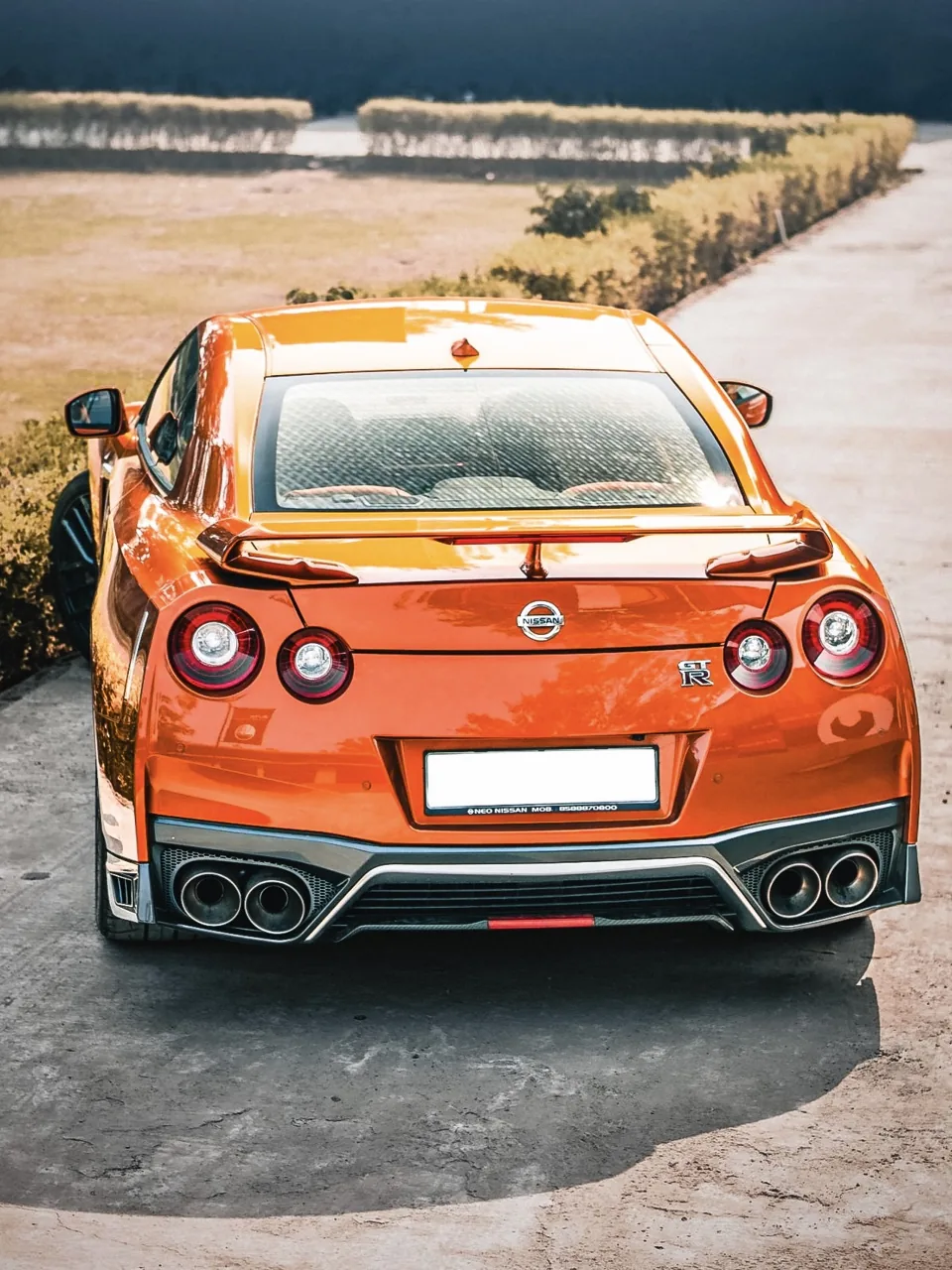
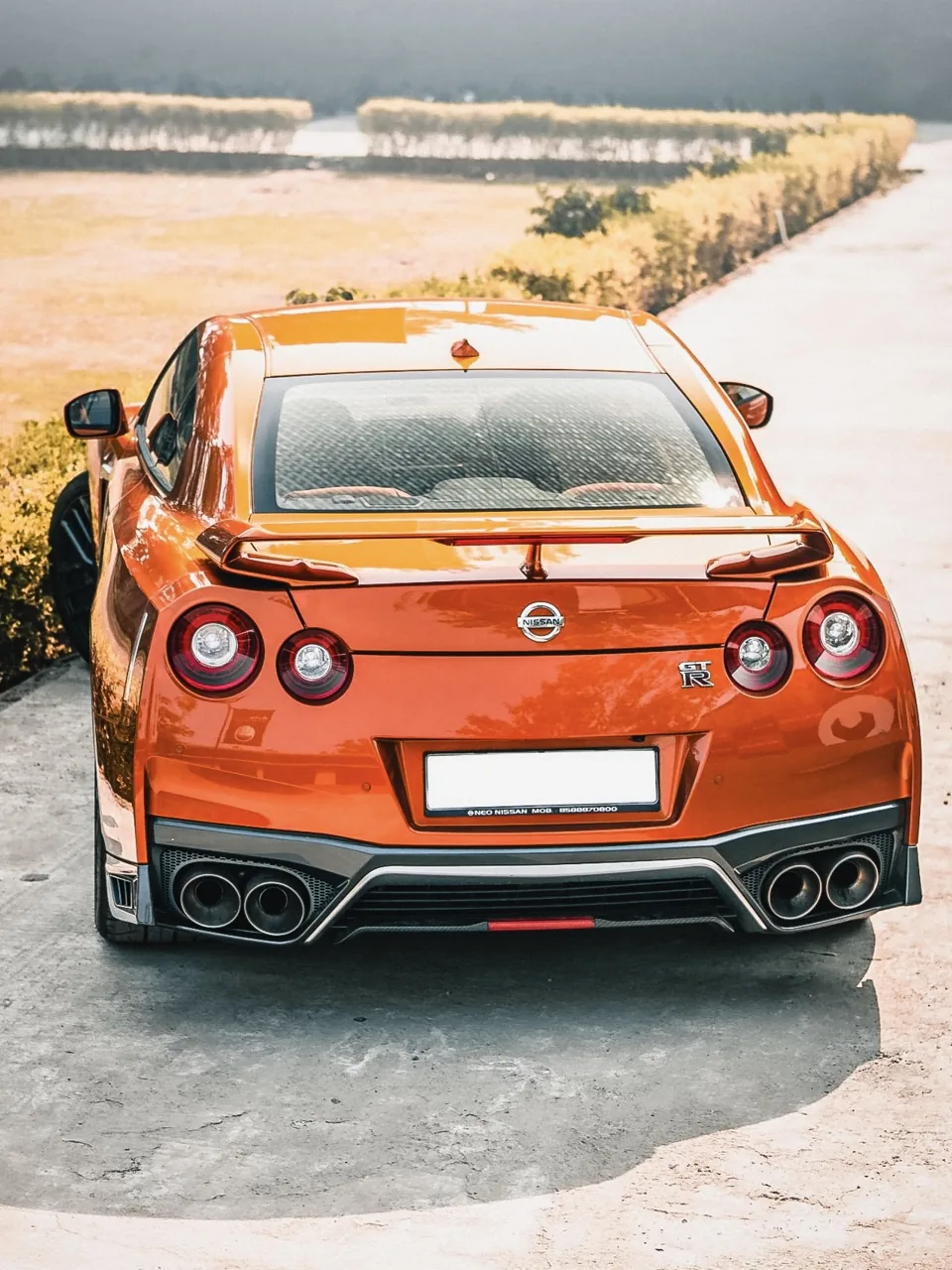
Swipe or tap through V3 Premium, V2 Standard and the unedited original. Real Lightroom exports, no retouching on top. Original photo by Ishan Kulshrestha on Pexels.
V3 PREMIUM · EDITEDV2 STANDARD · EDITEDORIGINAL · UNEDITED
Swipe or tap: V3 Premium, V2 Standard, then the original unedited photo.
The essentials before you buy. More on the FAQ page.
Do I really get both V2 and V3 for £9.99?
Yes. One £9.99 payment includes both presets and every guide listed on What's inside. It's a one-time purchase, not a subscription, and the price includes any tax.
Which preset should I use?
On free Lightroom, use V2 Standard. On a paid Lightroom plan with AI masking, you can use either; V3 Premium adds four masks that adapt to each photo. Apply one preset at a time.
Do I need a paid Lightroom subscription?
No. V2 Standard is made for free Lightroom. V3 Premium's AI masks need a paid Lightroom plan. Adobe decides which features come with each plan, app version and device, and it can change them.
Does it work on Android or desktop?
Yes. The included installation guide covers Lightroom mobile on iPhone and Android, Lightroom desktop (File › Import Profiles & Presets) and Lightroom Classic (Develop › Presets › + › Import Presets).
How do I get my files?
Instantly. As soon as payment goes through, your download button appears on screen. Bookmark that page to download again later. Lost it? See Download help.
Your next edit starts here
Make your frame count.
One £9.99 purchase. V2 Standard, V3 Premium and the complete creative toolkit, delivered as an instant download.